Guides
Every RoomRadar guide, sorted by category.
Setup
Assign phones to breakout groups
One phone per table: how the connection screen lists the tables as they scan, how a phone picks its group on the join screen, how to name groups, and what happens when two phones land on one table.
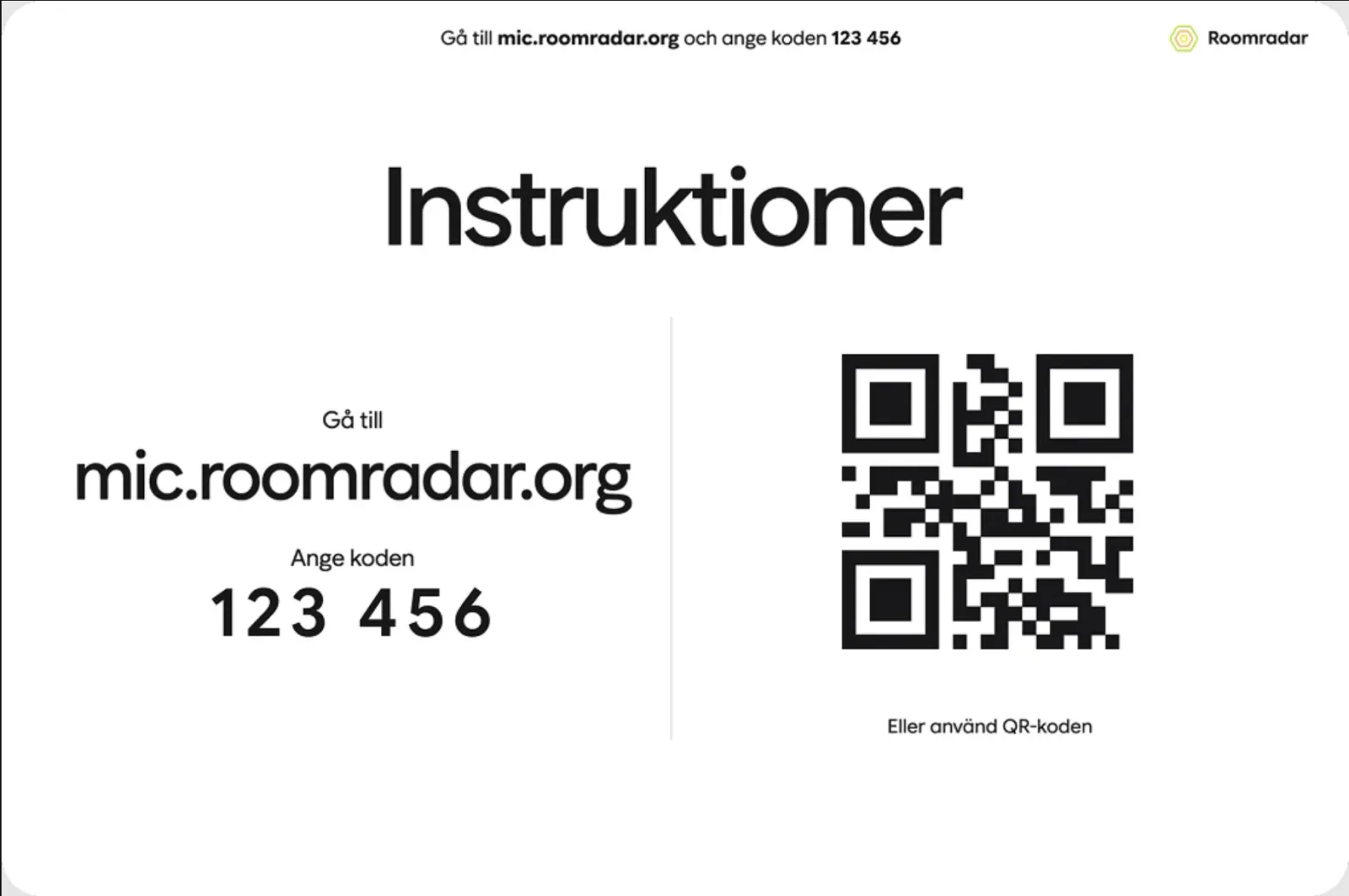
Connect phones as table mics
Turn any participant's phone into a table microphone with a QR code, no app install, no cables.
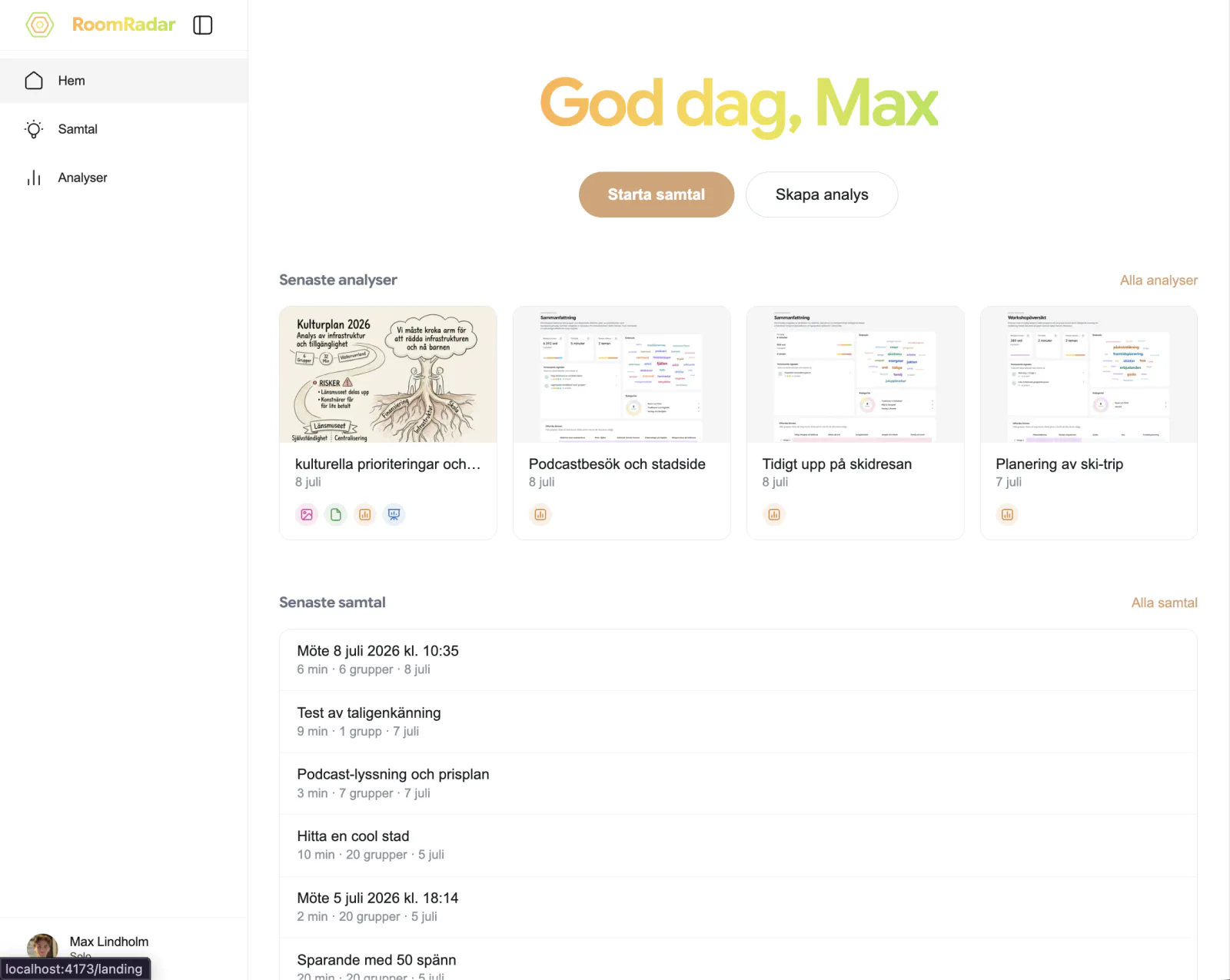
How to start a workshop transcription session
Start a RoomRadar session in two clicks: Create workshop on home, then Starta on the connection screen once your tables have scanned the code. Every group's conversation is captured from the first minute.
Test microphones before a workshop
Confirm every table's phone can actually hear the room before you start, using the audio pill that turns green once a table's audio is confirmed coming through.
Facilitation
Get alerted when a breakout group stalls
Turn on alerts so RoomRadar flags a group that asks for help or a discussion drifting off topic while you are watching another one, and takes you to the line where they said it.
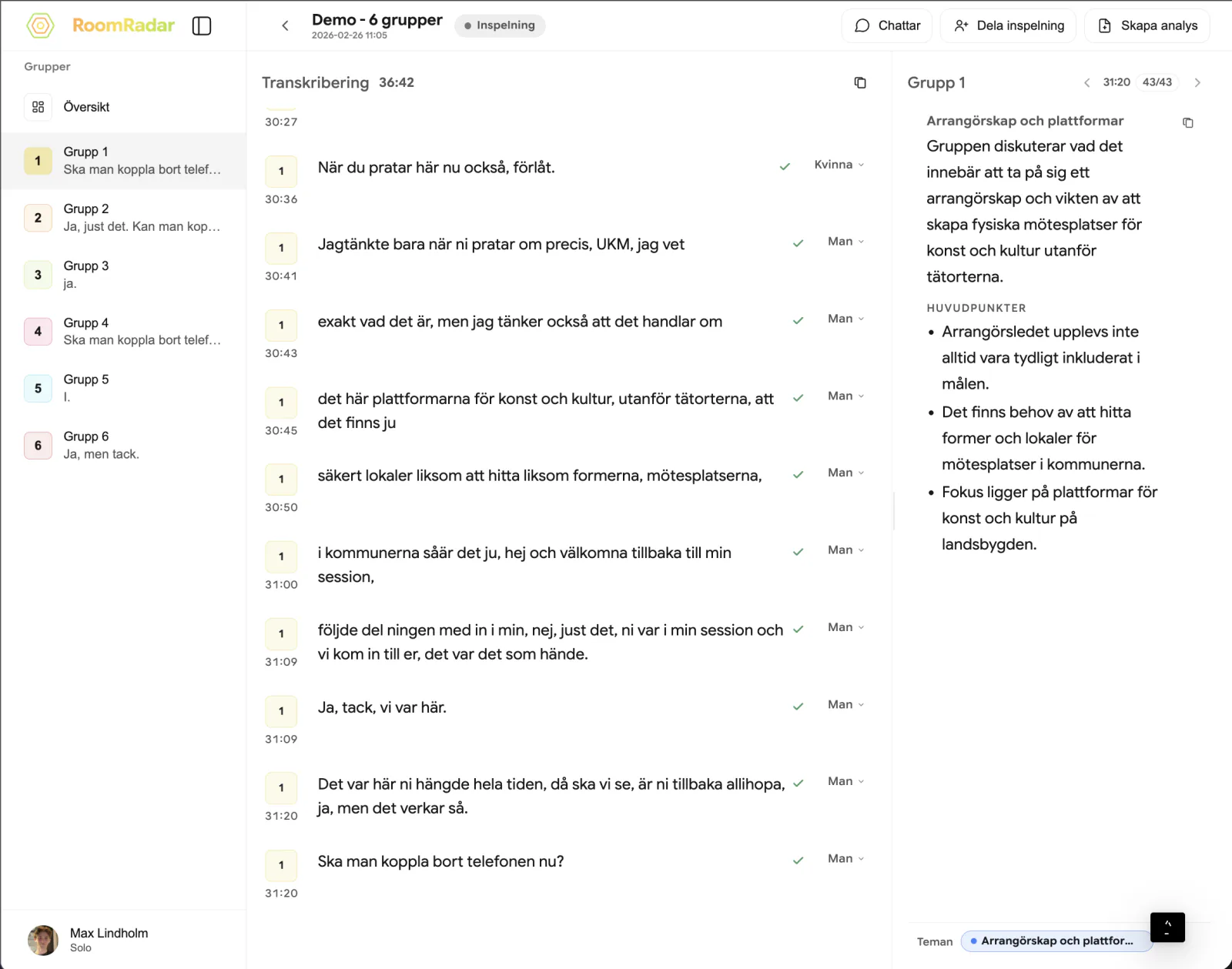
Monitor multiple breakout group discussions live
Read the live workspace while it runs: a group list that shows who is talking, an overview that lays every table out theme by theme, and a page per group with its positions, what it has arrived at, and its transcript, so you can tell which table needs you without walking the room.

Plan what the breakout groups will see
Write the instructions, questions and countdowns for each conversation the day before: the Till grupperna row on a conversation sends them to the tables' phones at start, after a set number of minutes, at a clock time, or when you press Skicka nu.
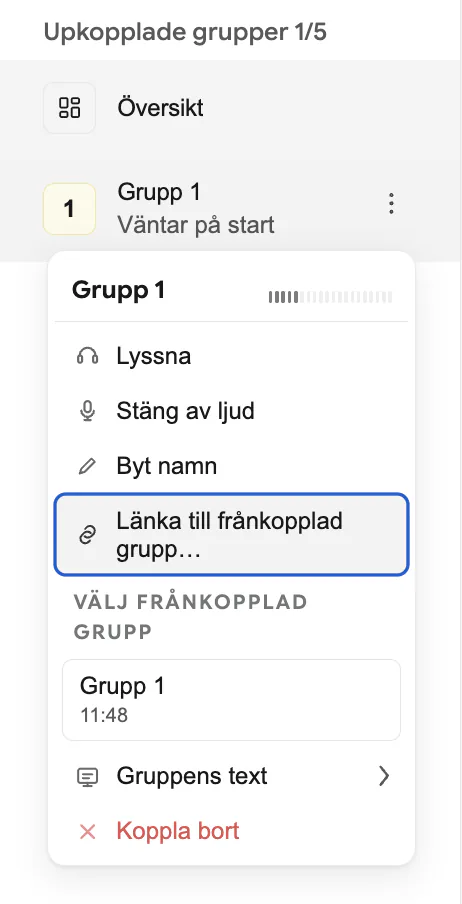
Reconnect a dropped microphone mid-workshop
Get a table's audio back without losing its transcript: RoomRadar retries a dropped phone automatically, and a spare phone continues the same group by picking that table on the join screen.
Remote groups in Teams: plan them and connect them with a link
Groups in Teams, Zoom or Meet join the conversation through a link: one person per group opens it in Chrome or Edge on their computer and shares the computer sound. Plan the groups in the conversation's Groups section and paste the invitation in the Teams chat.

See every breakout group across the day
The Grupper page shows each table of a workshop across every conversation of the day: which phone was in, what it landed on, and where identity slipped. Rename, merge, split or link a group from one place.
See talk-time by gender
RoomRadar can show how speaking time splits by gender, measured per person, so it reflects whether each voice got comparable airtime rather than just the raw split.
Send instructions to workshop groups live
Push a formatted message or a live poll to a table's phone screen, or turn on live captions and translation, without leaving the facilitator workspace.
Workflows
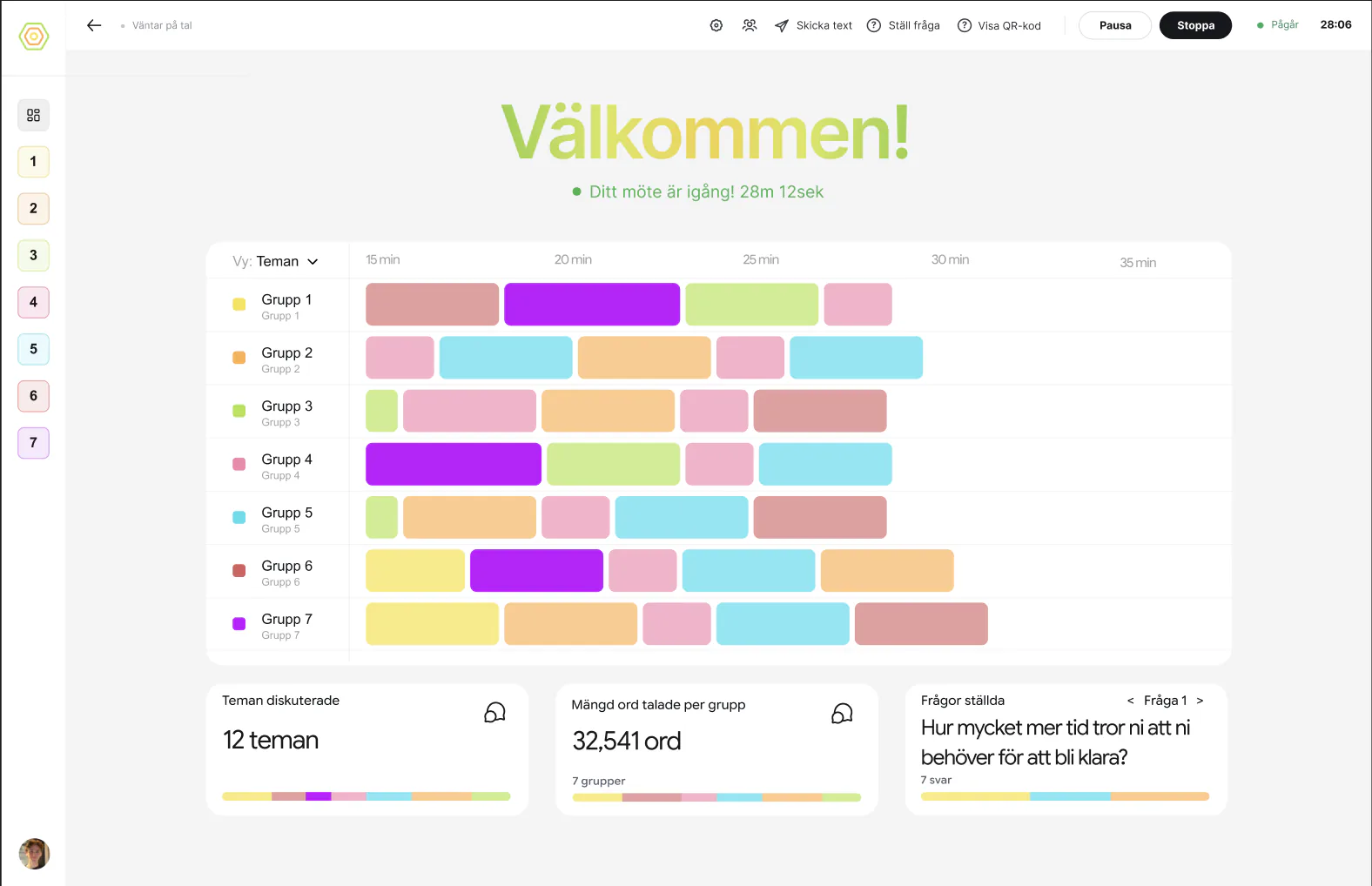
Facilitate multiple breakout groups at once
How to watch several tables at once in RoomRadar without picking one to sit with: read the room theme by theme in the overview, let the notices ask you where to look, and drop into one group's page when it matters.
Find a past workshop conversation or analysis
How to find a specific breakout-group conversation or report in RoomRadar once you have run many workshops: search by title or group name, filter by number of groups, length and date, and sort the list.
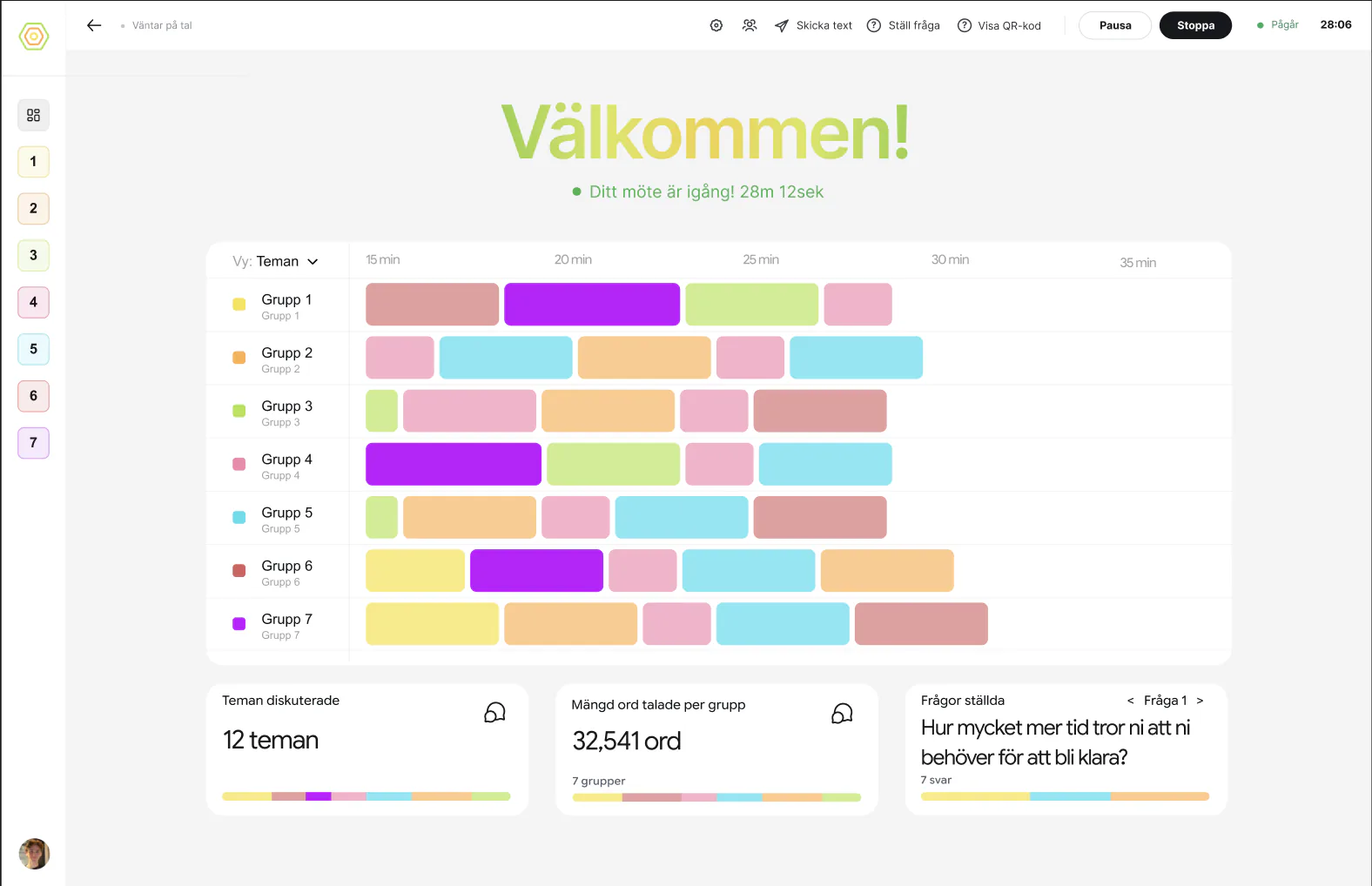
How to run a multi-table workshop with RoomRadar
The full walkthrough for running a multi-table workshop: connect a phone per table, facilitate freely while every breakout group is captured in real time, and leave with a finished report.
Plan a workshop day with several parts
How to prepare a workshop day in RoomRadar: lay out the parts as blocks with times and a topic each, get one QR code per exercise for your deck, open each part from the plan, let the tables rejoin with one tap, and end the day with one card that grew after every part.
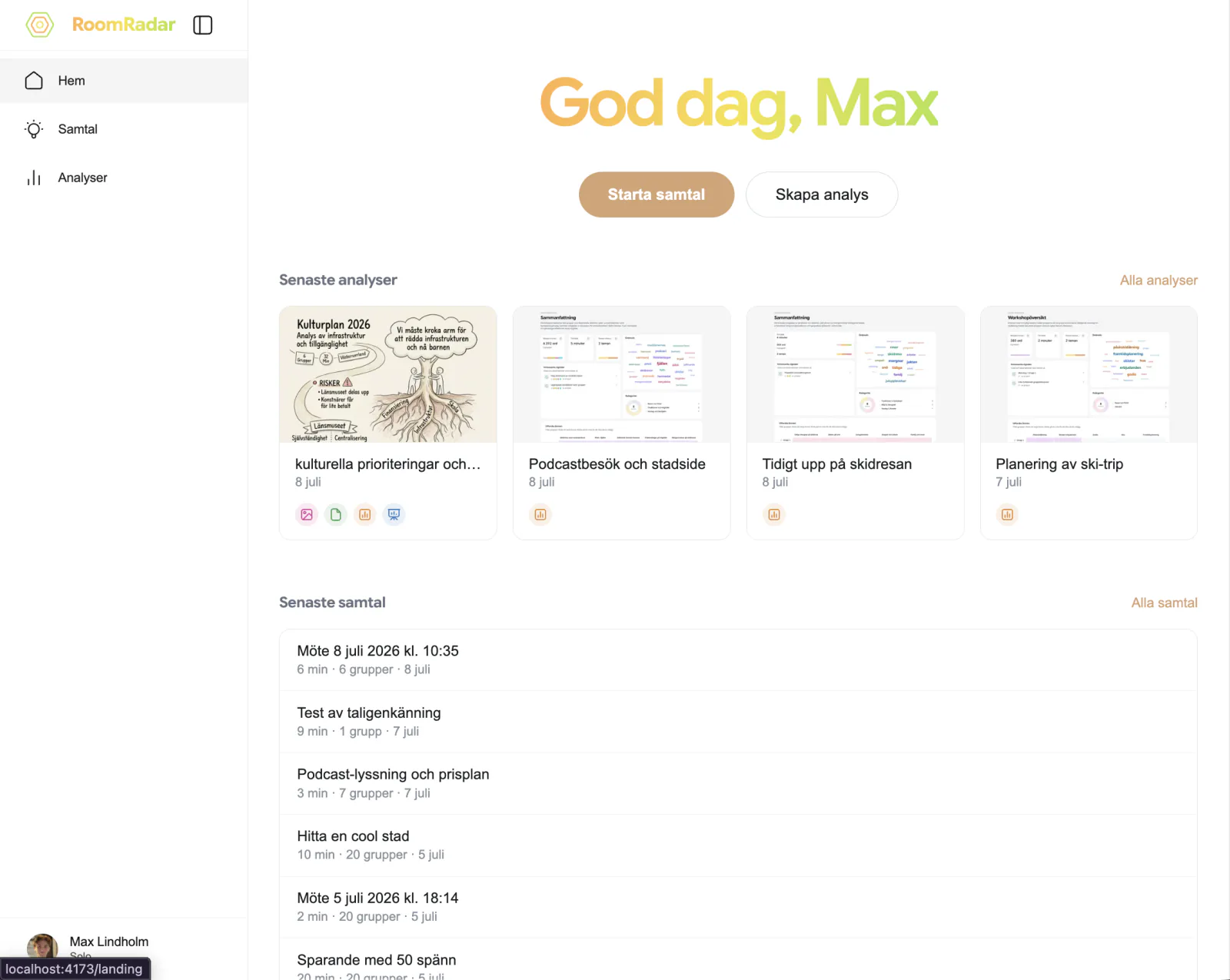
What happens after a workshop ends
What happens when you stop a RoomRadar conversation: the groups choose what to share, the day's card grows, you land back on the plan if more parts are coming, and the recording opens with its analysis ready. The report is a separate step you take when you want it.
Analysis
Ask questions about your workshop results
Every RoomRadar analysis has a chat: ask questions about your workshop results, or ask it to add or remove an insight, and it edits the analysis for you.
Combine several conversations into one analysis
Build one analysis from several conversations: pick the parts of a workshop day, let RoomRadar link the same table across parts (it asks only when it cannot tell), keep the groups you want, and read a series as one story.
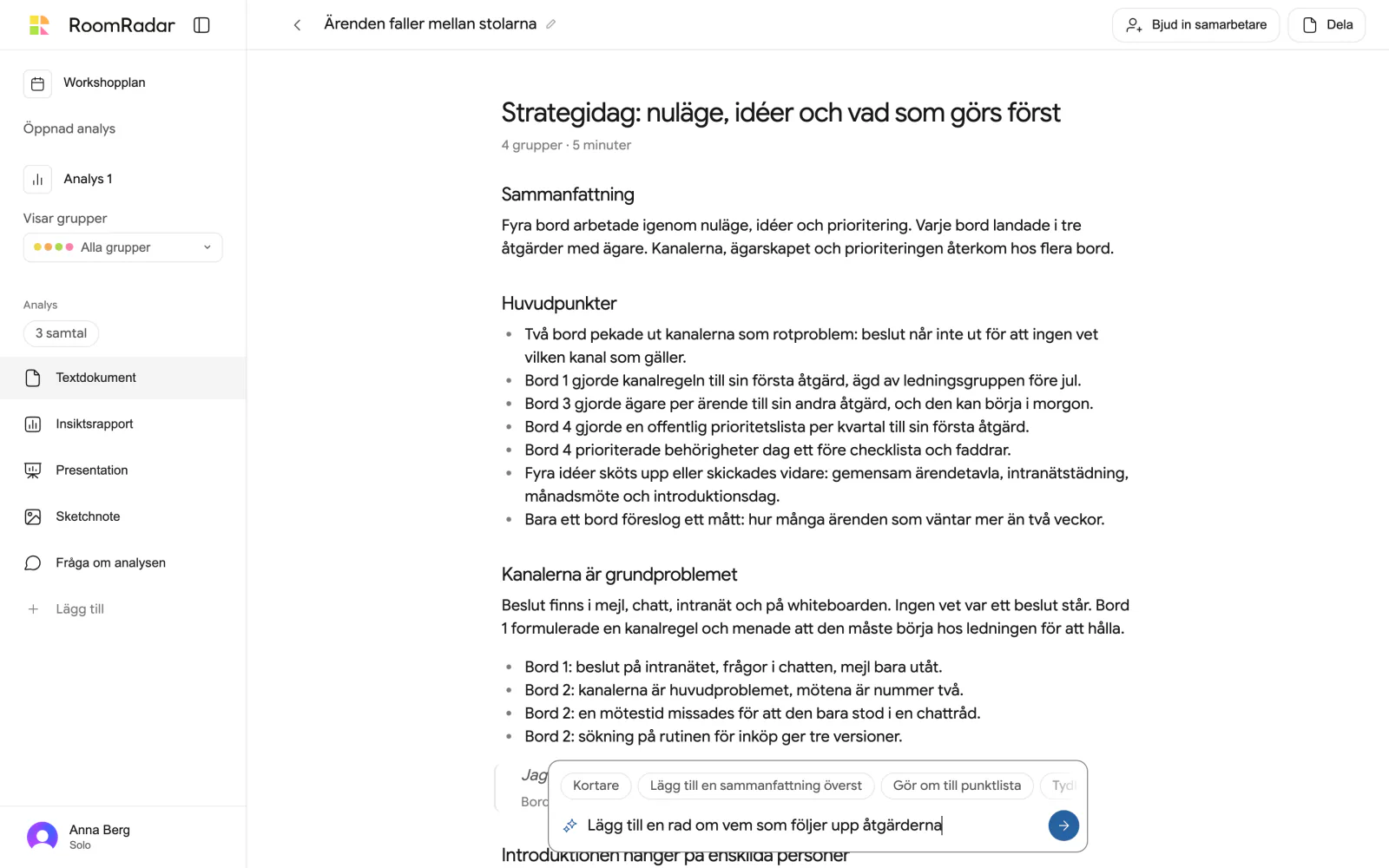
Edit the text document, by hand or with the AI
How to edit the text document of a workshop analysis in RoomRadar: type into any block where it is, move or turn blocks with the handle menu, and ask the AI in the floating box to shorten, restructure or summarise, watching the change land with Ångra one click away.
Present workshop findings to stakeholders
Present workshop findings straight from RoomRadar: an editable slide deck built from your analysis, with a presenter view for running it in the room.
Share workshop results as a link
Share workshop results as a link: send a read-only analysis link, or a live shared chat, straight from RoomRadar, no export required.
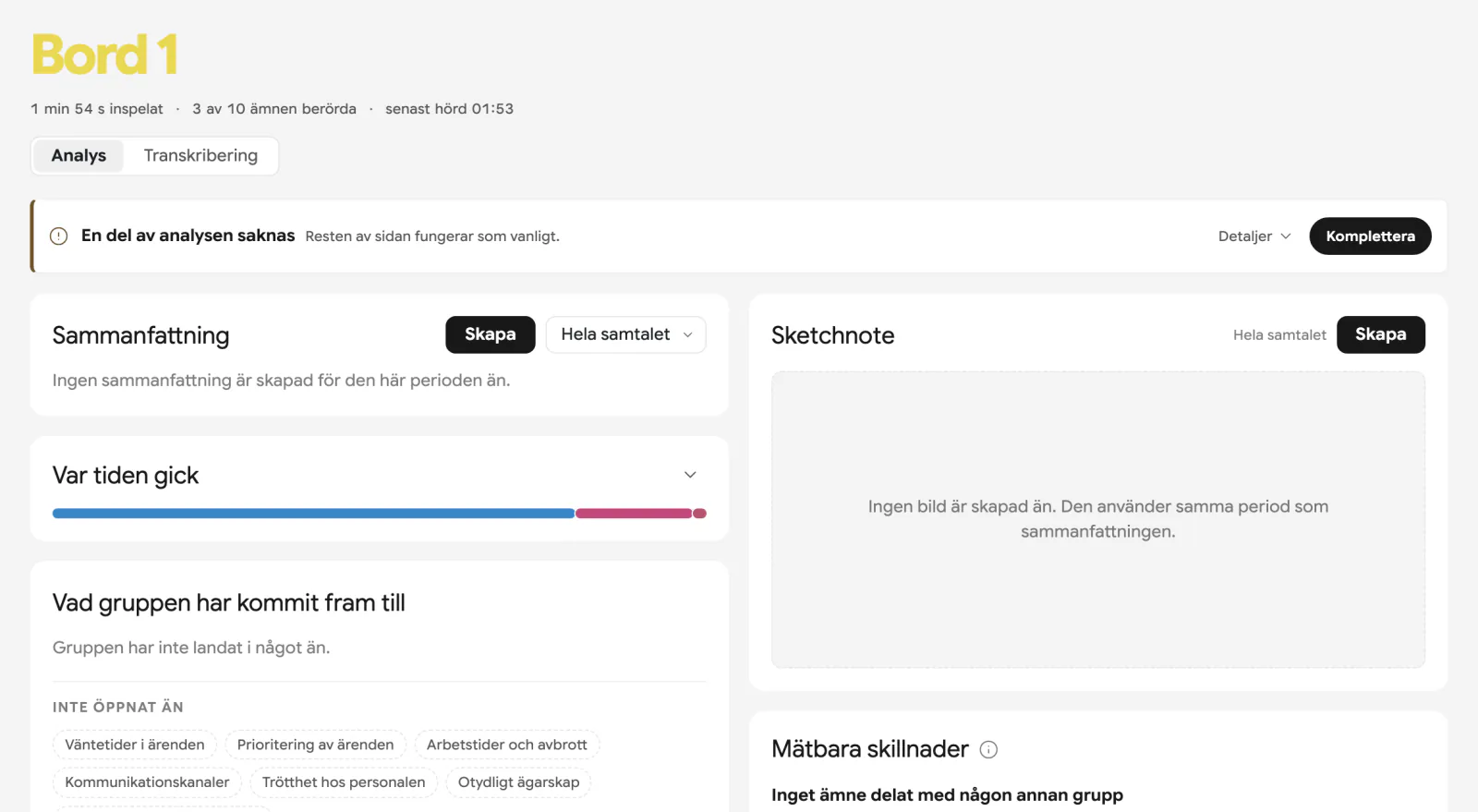
Why an older conversation has no analysis, and what Komplettera does
A conversation recorded before the analysis pipeline covered it, or one where a pass never finished, shows a thin strip: "En del av analysen saknas". Press Komplettera and RoomRadar reads the whole transcript once and fills in what is missing, in the background, while you keep reading.
Your workshop analysis and summary, explained
A workshop analysis and summary explained: the living analysis every conversation carries while it runs, and the analys you make on purpose afterwards, over the parts you choose, with its four parts (text, insight report, presentation, sketchnote) and what each is for.
Advanced
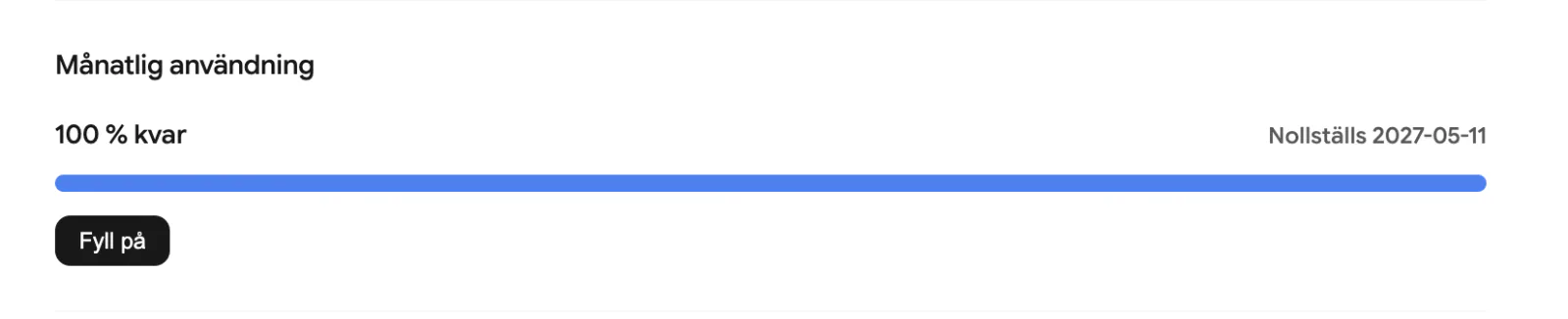
Billing and usage
RoomRadar bills on usage, not per minute you have to watch. Your plan includes a monthly level of usage that renews each month, and you can add extra usage if you run out. Here is how it works.
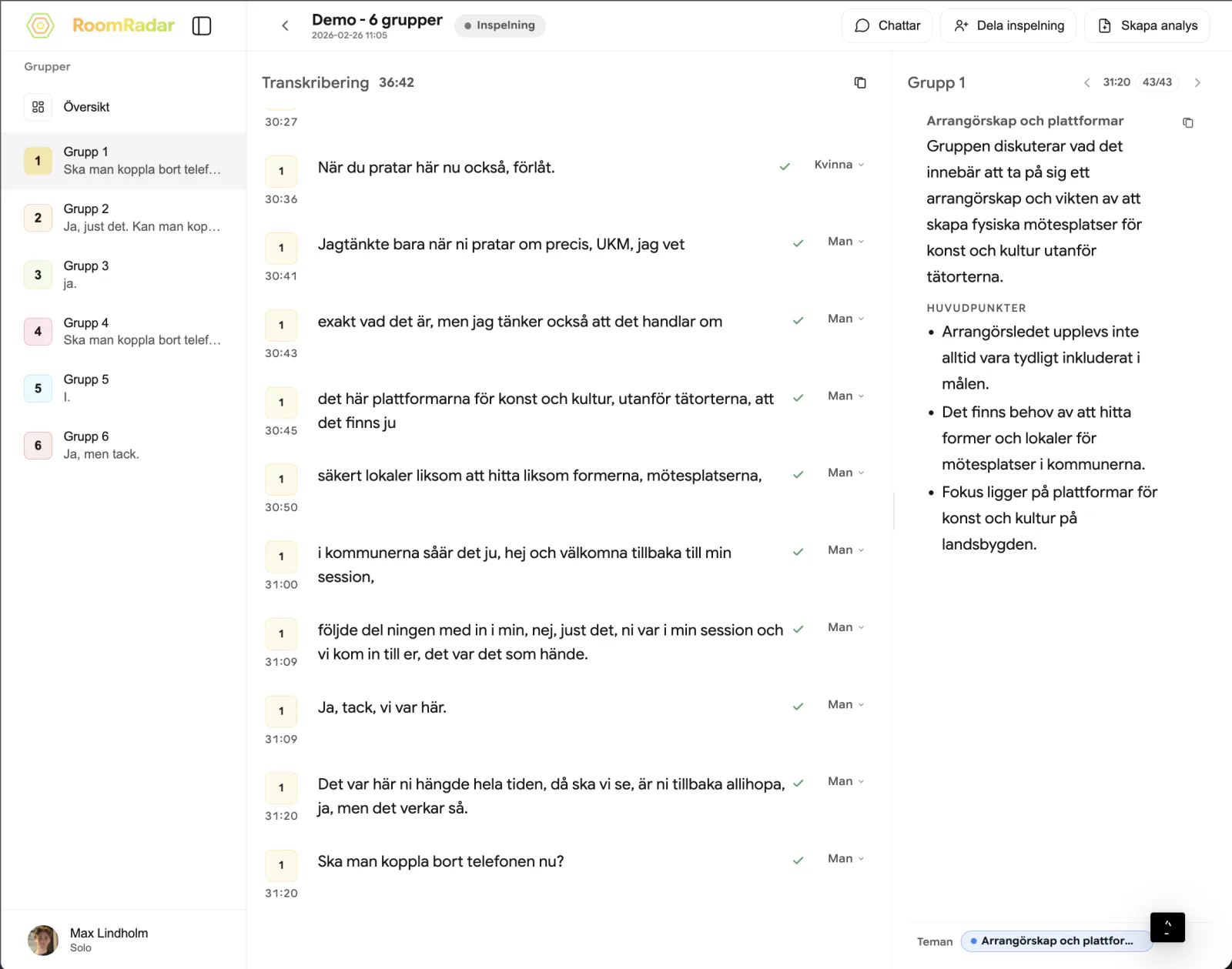
How live summaries work
In a live conversation the positions, the ledger and the time split update on their own, but a written summary is made when you press Create, for the range you choose, and it stays readable when new talk arrives. Here is what updates itself, what you create, and when a summary is worth trusting.
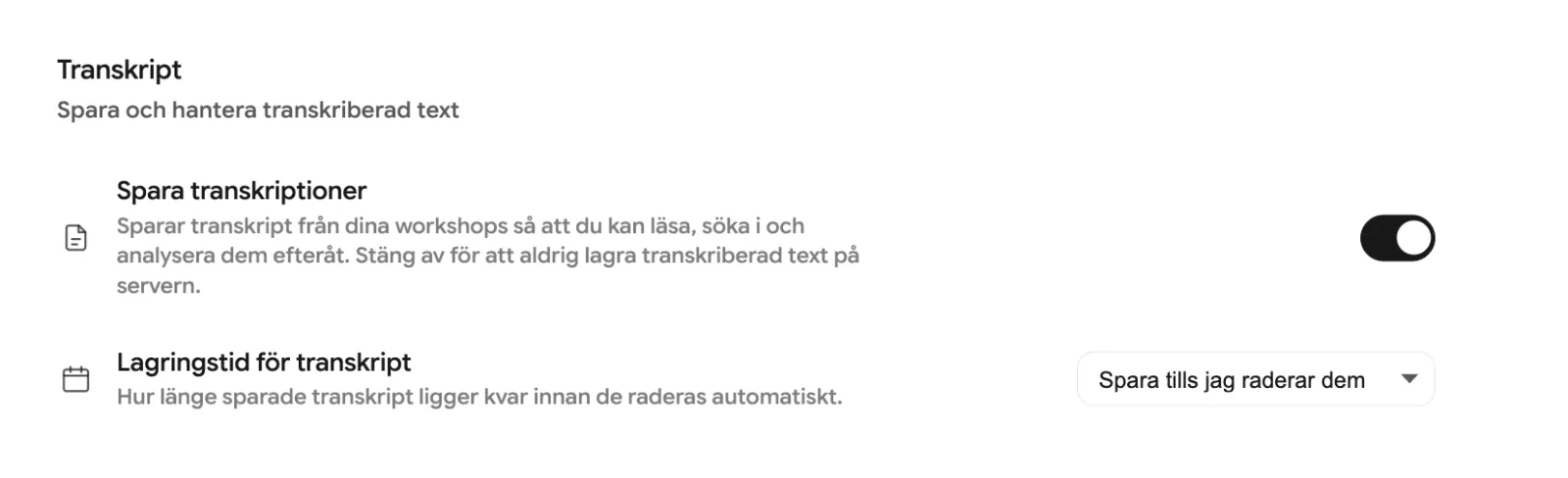
Privacy, consent, and data retention
RoomRadar stores workshop data in the EU, encrypts it, and never sells it or uses it to train AI. Here is how to control what is saved, for how long, and what to tell participants.
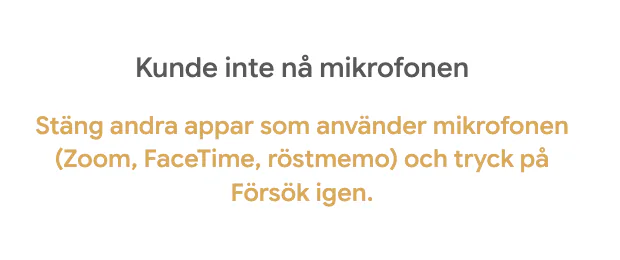
Troubleshooting audio and reconnection
Most audio problems in a workshop come down to a blocked microphone, a phone too far from the talkers, or a dropped connection. And if the audio is fine but no text appears, that is a fourth, separate cause. Here is how to fix each one fast.