Turn any participant's phone into a table microphone with a QR code, no app install, no cables.
Updated Sep 19, 20263 min read
RoomRadar captures each table through a phone that sits on the table and listens. Any modern phone works, participants join straight from the browser, so there is nothing to install and no cable to plug in. This guide walks through connecting one table phone and confirming its audio before the workshop starts.
Before you start
Decide which phone will act as the microphone for each table. It only needs a browser and a working internet connection. Place it near the middle of the table so it can hear everyone, and keep it plugged in for longer sessions.
Connect a phone in four steps
1
Open the conversation on its connection screen
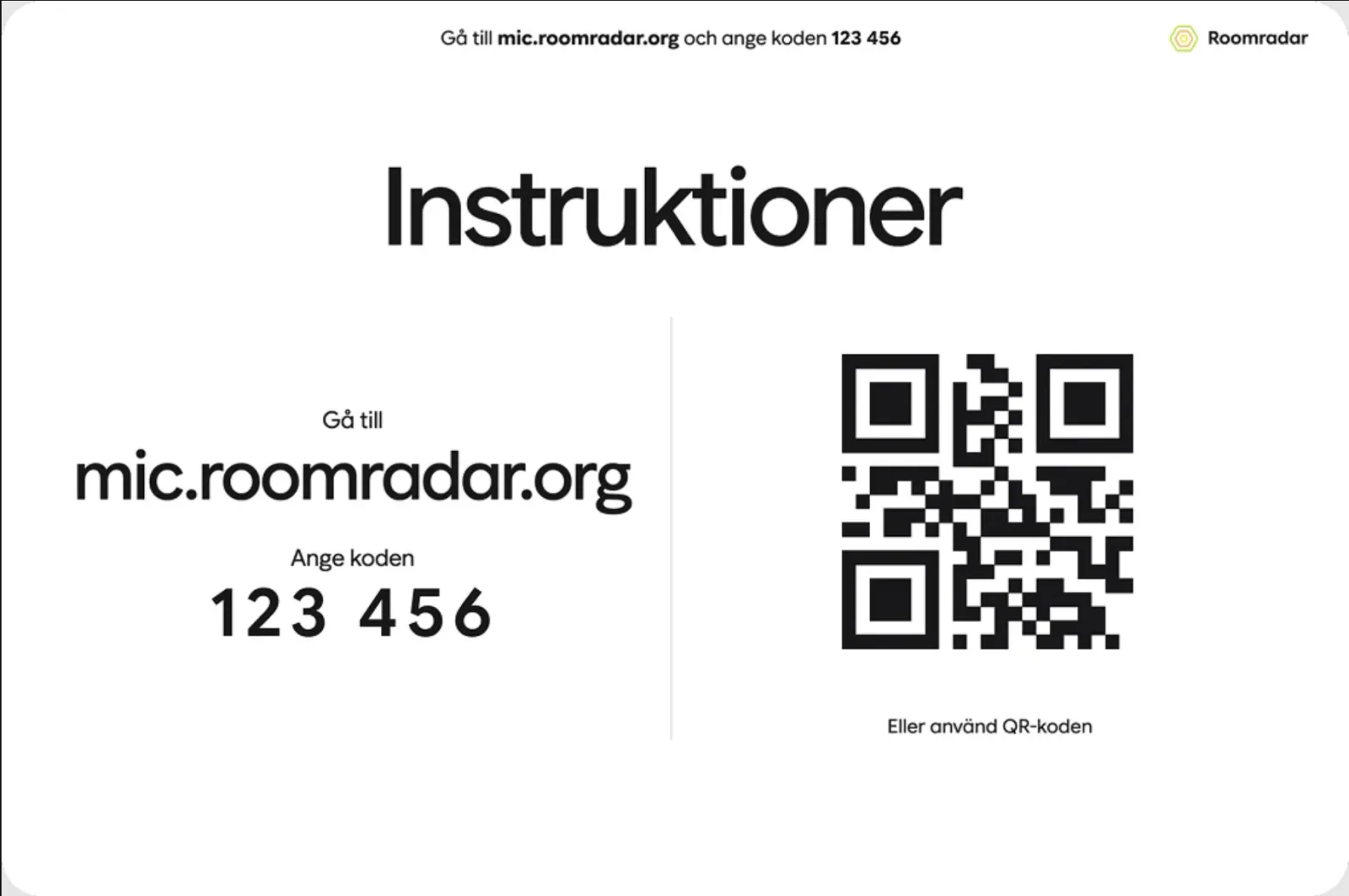
Open the conversation: its row in the sidebar, or Öppna on its block in the plan. It opens on the connection screen, "Koppla upp grupperna": the room's short code and QR code in a card at the top right (press the QR to show it large for the projector), the tables on the left as they come in. Nothing records yet.
2
Scan the QR on the table phone
Point the phone camera at the QR code, or type the code into the join page. The phone opens the join screen in its browser and asks "Vilken grupp är ni?": tap the table (a planned table is already listed, marked "väntar") or type a name under Ny grupp, then Fortsätt.
3
Allow the microphone
The phone asks for microphone access, tap Allow. Without this the phone stays connected but silent.
4
Confirm the sound on both screens
On the phone the status chip starts grey (Connecting audio…) and turns green (Audio works) once the table's audio is confirmed coming through. On the connection screen the table's row says "hörs" the moment the phone hears the room, or "tyst" with a hint if it does not. Once a table is in, Starta at the bottom of the screen wakes up; until then it explains itself: "Koppla upp minst en grupp först".
5
Keep the screen on and the tab open
The connected screen shows a small "Keep your screen on" reminder: keep the screen on and the tab open, otherwise the microphone stops sending audio. The join page asks the phone to stay awake on its own, but a locked screen, a closed tab, or a powered-off phone all silence the table, so once it is connected, leave the phone face up and let it be for the rest of the workshop.
The audio pill glows in real time, the quickest way to confirm a mic is live.
Do a five-second sound check per table before you begin: ask someone to speak and confirm the pill reacts. It is far faster than discovering a dead mic mid-session.
On iOS, Safari must have microphone permission for the site. If a phone shows no audio, open Settings › Safari › Microphone, choose Allow, then tap Try again on the phone.
FAQ
Do participants need to install an app?
No. The phone joins through its browser over a normal web link, nothing to download.
Can the table phone's screen lock during the workshop?
No, the screen needs to stay on for the microphone to keep sending audio. The join page asks the phone to stay awake while the tab is open, so normally you do not have to do anything. If the phone does lock anyway, wake it, return to the tab, and check that the audio pill turns green again. Closing the browser tab or powering the phone off also disconnects the table.
How many phones can one table use?
One is enough. You can add a spare and swap it mid-session without losing audio.
The phone connected but there is no sound. What now?
The microphone is most likely blocked. Reopening the page will not ask again, the permission has to be changed in settings. On iPhone: Settings → Safari → Microphone → Allow. On Android: the browser's Site settings → Microphone → Allow. Then tap Try again on the phone.